

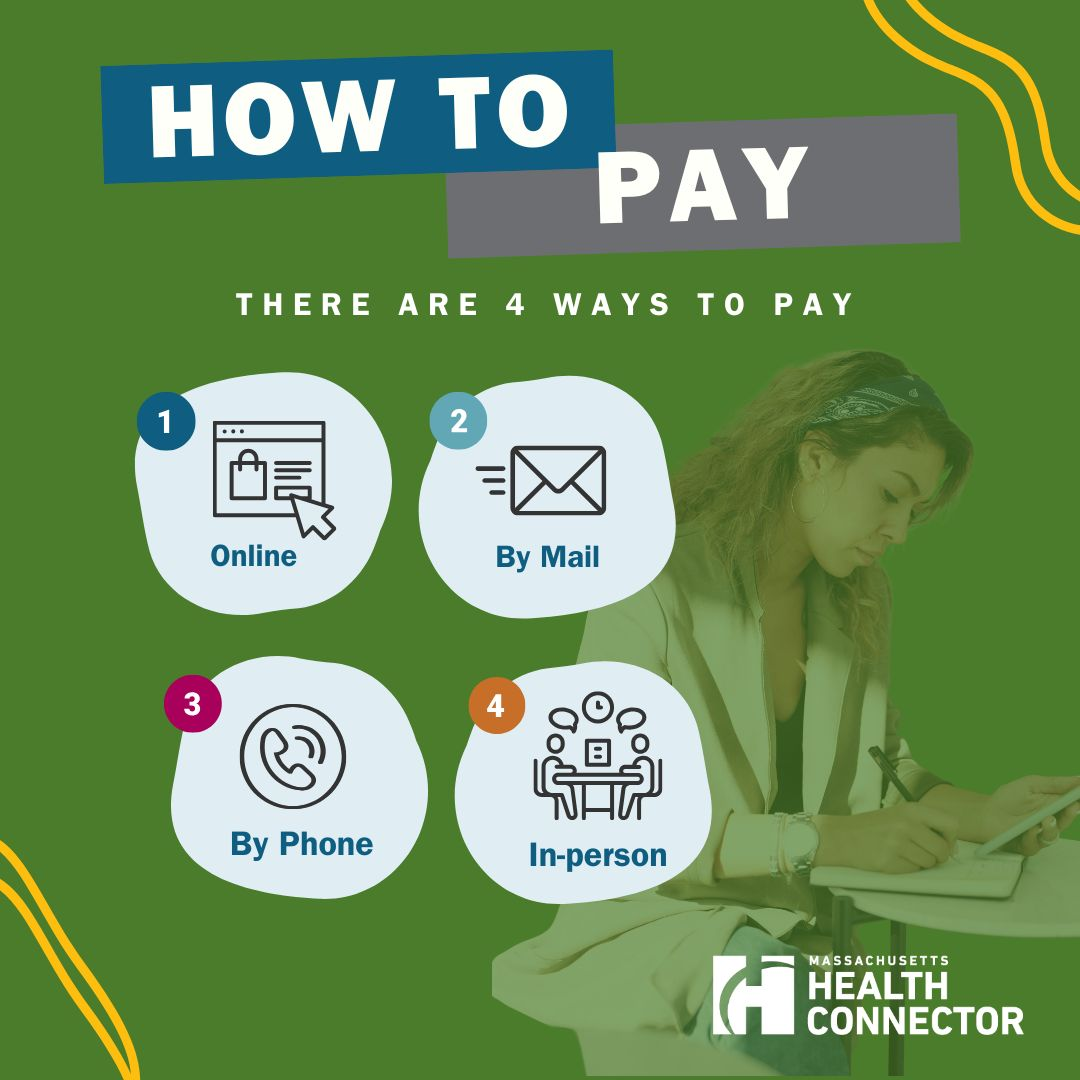
Massachusetts Health Connector members must pay their premiums each month (generally by the 23rd) to keep coverage active, using online payments, phone, or mail with a checking or savings account.
How to Pay Your Health Connector Premium
- Online (member portal and guest):
- Go to the Member Portal: https://www.mahealthconnector.org/how-to-pay and click Make Payment.
- You can:
- Sign in and pay from your bank account, view bills, and set up AutoPay.
- Use Guest Payment without logging in by entering your Member ID and billing details, then pay from a checking or savings account.
- AutoPay:
- Inside your account you can set up automatic monthly withdrawals on either the 15th or 23rd of each month.
- AutoPay runs from a checking or savings account; credit/debit cards, PayPal, and mobile wallets are not accepted.
- By phone:
- Call 1‑877‑MA‑ENROLL (1‑877‑623‑6765), TTY 711, and follow the automated prompts to pay by checking or savings account.
- By mail:
- Send a check or money order (no cash) to the mailing address printed on your bill, payable to “Health Connector”, and include the payment coupon from your invoice.
The Health Connector warns members not to use third‑party bill‑pay services like Mint, DOXO, or Prism, because they cannot fix delays or misdirected payments made through those services.
Billing Cycle, Deadlines, and Grace Periods
- Monthly billing: Bills are usually mailed by around the 10th of each month.
- Due date: Premiums for individual and family health and dental plans are due by the 23rd of the month for the next month’s coverage.
- Separate bills for health and dental: If you have both, you’ll get two separate bills and must make two separate payments.
- Non‑payment and grace period:
- If you receive premium tax credits or other financial help and coverage terminates for non‑payment, you generally have about 30 days from the termination notice to pay all owed premiums and request reinstatement.
- If you do not get financial help, termination rules may differ; always review your notice and call customer service with questions.
- First month (binder) payment:
- New coverage is not active until the first month’s premium is paid in full; it can take about five business days after payment for the carrier to confirm coverage.
Financial Help and Special Circumstances
- No standard payment plans:
- The Health Connector does not offer installment payment plans for past‑due premiums.
- Changing income to lower premiums:
- If you’re struggling to pay, update your income and household information in your Health Connector account to see if you qualify for a lower‑cost plan or increased advance premium tax credits.
- ConnectorCare and premium waivers:
- Members enrolled in ConnectorCare who face extreme financial hardship can apply for a Premium Waiver or Reduction, which can temporarily reduce or waive monthly premiums in approved cases.
- Best practices:
- Enroll in paperless billing to receive bills and tax forms online and reduce mail delays.
- Pay well before the 23rd if mailing a check to ensure it arrives on time.
FAQs About Health Connector Payments
1. What payment methods can I use?
You can pay by checking or savings account online, by phone, or by mail (check/money order); credit cards, debit cards, PayPal, and mobile wallets are not accepted for Health Connector premium payments.
2. When exactly is my monthly premium due?
For most individual and family plans, your payment is due by the 23rd of each month for coverage the following month.
3. Can I set up automatic payments?
Yes. In the Member Portal you can set up AutoPay to automatically withdraw your premium from your bank account on the 15th or 23rd each month.
4. What happens if I miss a payment?
If you miss the due date, your coverage can be terminated for non‑payment; if you receive financial help, you typically have a 30‑day window from the termination notice to pay all outstanding amounts and ask for reinstatement.
5. Can I get a payment plan if I’m behind?
No. The Health Connector does not offer payment plans; instead, you should update your income or explore ConnectorCare or hardship waivers if you are having trouble paying.
6. Is it safe to use bill‑pay apps like DOXO or Mint?
The Health Connector advises against using third‑party payment services like Mint, DOXO, or Prism because they cannot help if those services delay or misroute your payment.