

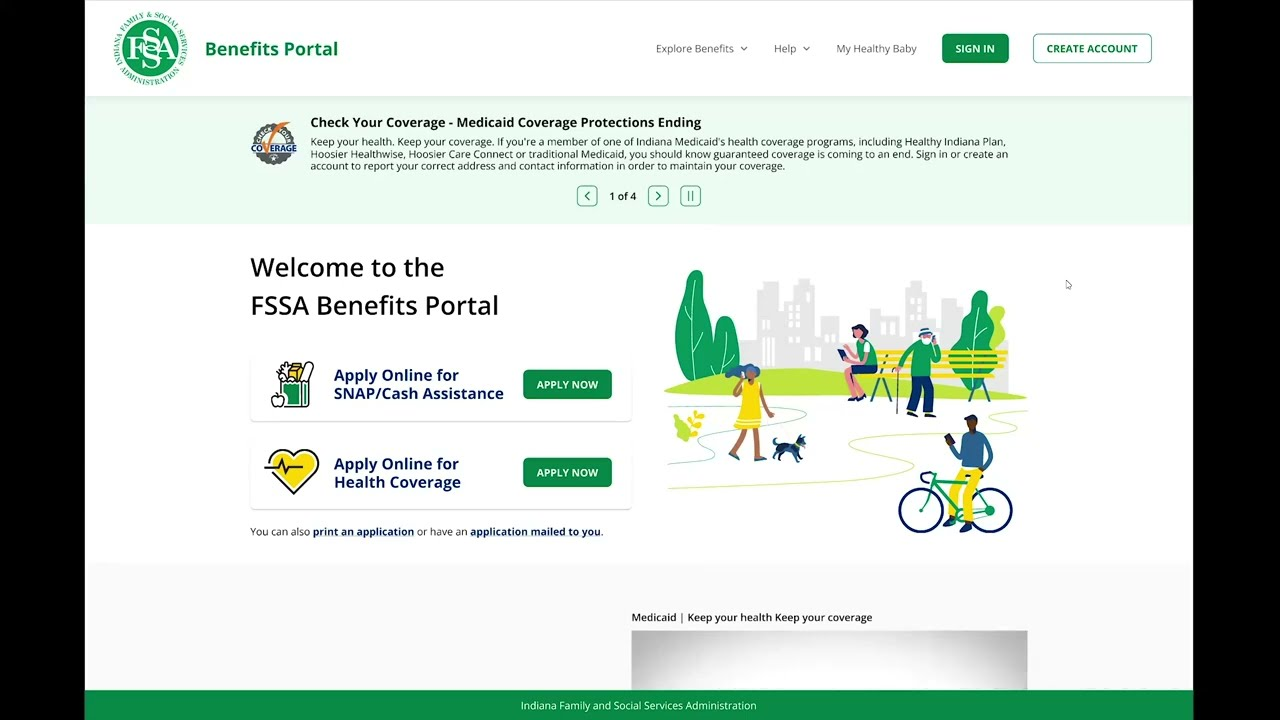
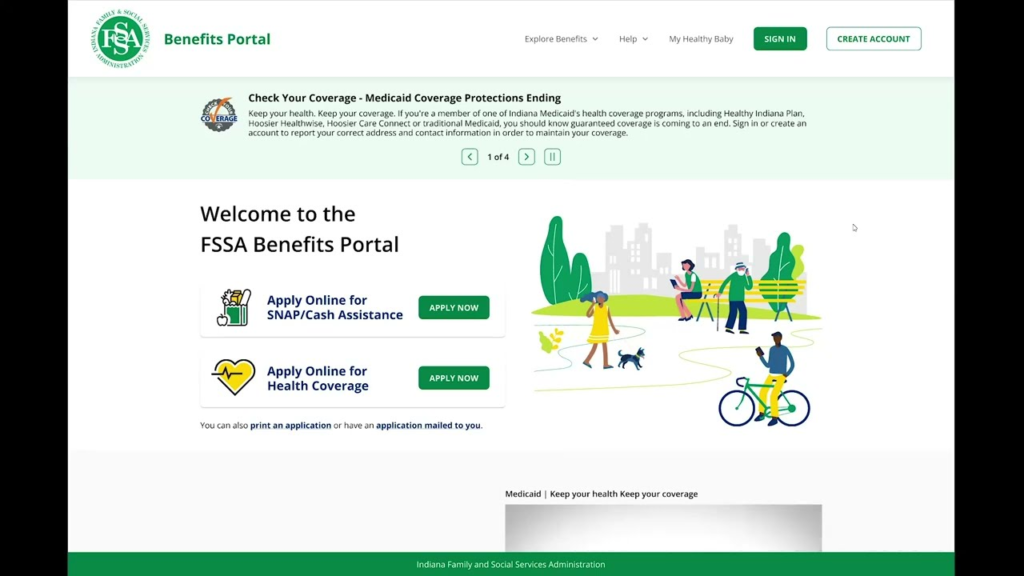
The FSSA Benefits Portal (fssabenefits.in.gov) is Indiana’s official online system for applying for, checking, and managing state benefits like Medicaid/HIP, SNAP, and TANF, so you can handle most tasks without going to a local office.
What Is the FSSA Benefits Portal?
Indiana’s Family and Social Services Administration (FSSA) uses the Benefits Portal as the central online hub for eligibility and case management. It’s available 24/7 and is the recommended way for most people to apply and keep their benefits up to date.
Through the portal, you can apply, check status, renew, upload documents, and respond to forms all in one place.
How to Access and Set Up Your Portal Account
Website address
- Go directly to: https://fssabenefits.in.gov/bp/ (you may also see links from IN.gov and FSSA pages).
Creating an account
To create an online account, you’ll typically need:
- Your full name
- Email address
- Date of birth
- Last four digits of your Social Security Number (SSN) (or other ID if you don’t have an SSN)
You’ll also choose a username/password and set security questions so you can recover your account if you forget your login.
Logging in
Once registered, you can log in anytime to:
- Start new applications
- View your active and past cases
- Check benefits and deadlines
- See documents and notices from FSSA
If you have trouble logging in, you can contact the Division of Family Resources (DFR) Call Center at 1‑800‑403‑0864 for help.
Applying for Benefits Online (Medicaid/HIP, SNAP, TANF)
The portal lets you apply for multiple programs in one online application.
Programs you can apply for
- Health coverage
- Medicaid (including traditional Medicaid categories)
- HIP – Healthy Indiana Plan
- Other state health coverage categories as available
- SNAP (Supplemental Nutrition Assistance Program) – formerly food stamps
- TANF (Temporary Assistance for Needy Families) – cash assistance for some families with children
Steps to apply
- Create or log in to your FSSA Benefits Portal account.
- Choose “Apply for Benefits” (or similar wording) from the home screen.
- Select the programs you want to apply for (you can choose one or more: Medicaid/HIP, SNAP, TANF).
- Complete the application by providing information about:
- Everyone in your household
- Income (jobs, self‑employment, benefits)
- Expenses (like childcare, rent, etc., where relevant)
- Citizenship/immigration status and other eligibility details
- Upload verification documents (see below) or plan to send them later.
- Submit the application and note any confirmation or tracking number the portal provides.
You can also apply by phone or in person if you prefer (details in the Contact section below), but using the portal is usually fastest.
Checking Your Case Status and Benefit Amounts
Once you’ve applied, the portal is the easiest way to check your benefit status.
What you can see in your account
After logging in, you can typically view:
- Application status
- Pending / under review
- Approved
- Denied (with reason)
- Active case information
- Which programs you’re approved for (e.g., HIP, SNAP, TANF)
- Benefit amounts (such as monthly SNAP amount)
- Start and end dates or next review date
- Notices and letters
- Approval or denial notices
- Requests for more information or forms you must complete
- Renewal reminders and deadlines
The portal updates as eligibility decisions are made, so checking online is often quicker than waiting for mail.
Updating Information and Managing Your Benefits
Keeping your information current is critical to avoid delays or loss of benefits.
In the portal, you can:
- Report changes in:
- Income (new job, raise, job loss)
- Household size (birth, death, someone moving in/out)
- Address or phone number
- Other factors that affect eligibility
- View and complete forms requested by FSSA
- Upload any supporting documents directly (scan or photos)
Reporting changes promptly helps your benefits stay accurate and prevents overpayments that you might have to pay back later.
Uploading Documents and Handling Forms
Many applications and renewals require supporting documents.
Document upload
Through the portal you can upload:
- Proof of identity or SSN
- Proof of income (pay stubs, award letters, self‑employment records)
- Proof of residency (lease, utility bill)
- Citizenship or immigration documents
- Any other items requested in an FSSA letter
You can usually upload PDFs, images, or photos from a phone, and the portal will attach them to your case automatically.
What to do if you get a form from FSSA
If FSSA sends you a form or notice (either by mail or in your online notices), it’s important to act quickly:
- Read the entire notice to see:
- Why they sent it (renewal, missing information, etc.)
- What they’re asking for (a filled‑out form, proof of income, etc.)
- The deadline to respond
- Check your FSSA Benefits Portal account
- Often you can complete the form online or upload requested documents directly through the portal.
- If the form must be mailed or faxed, follow the instructions exactly and keep copies of everything you send.
Ignoring forms or missing deadlines can lead to closure or denial of benefits, so always respond as soon as you can.
Renewing or Redetermining Your FSSA Benefits
Indiana requires periodic renewals/redeterminations to confirm you’re still eligible.
How to renew through the portal
When it’s time to renew, you will usually:
- Get a renewal notice in the portal and/or by mail.
- Log into the FSSA Benefits Portal before the due date.
- Choose your active case and select Renew or Complete Redetermination.
- Review and update:
- Household members
- Income and expenses
- Address and contact information
- Upload any new required documents (updated pay stubs, etc.) and submit.
You can also complete renewals by phone with DFR or in person at a local office, but the portal is often fastest and helps you track what you submitted.
Contact, Phone Help, and Local Offices
If you can’t complete something online or have questions, there are several support options.
Division of Family Resources (DFR) Call Center
- Phone: 1‑800‑403‑0864
- What they can help with:
- Applying or renewing by phone
- Questions about notices, forms, or required documents
- Portal login issues or password reset help
- Checking case status if you can’t access the portal
Local DFR Offices
If you prefer face‑to‑face help or need to drop off paperwork:
- Use the Local Office Finder:
- You can visit your local office to:
- Get help applying or renewing
- Turn in copies of documents
- Ask questions about your case
Other contacts
- FSSA main site: general program information, guides, and policy details are available through the main FSSA/DFR pages linked from IN.gov.
People Also Ask: FSSA Benefits Portal FAQs
How do I manage my FSSA benefits?
You manage your FSSA benefits primarily through the FSSA Benefits Portal at fssabenefits.in.gov/bp. After logging in, you can:
- See all your active cases (Medicaid/HIP, SNAP, TANF)
- Check benefit amounts, payment dates, and upcoming deadlines
- Report changes to income, household, or address
- Upload documents and respond to any FSSA requests or forms
- Start or complete renewals when they’re due
If you can’t use the portal, you can manage your case by calling 1‑800‑403‑0864 or visiting a local DFR office.
How do I renew my FSSA benefits?
To renew through the FSSA Benefits Portal:
- Watch for a renewal notice in your mail or in the portal’s messages.
- Log into fssabenefits.in.gov/bp before the renewal deadline.
- Select your case and choose the Renew/Redetermination option.
- Confirm or update your household members, income, and contact information.
- Upload any requested documents, such as recent pay stubs or proof of address.
- Submit the renewal and keep any confirmation number the portal provides.
You can also renew by calling 1‑800‑403‑0864 or at a local DFR office, but the portal lets you track what you submitted and review your notices online.
What should I do if I get a form from FSSA?
If you receive a form or notice from FSSA (by mail or in the portal), you should:
- Read the notice carefully to understand:
- What the form is for (application follow‑up, renewal, change review, etc.)
- What specific information or proof they’re requesting
- The deadline to respond
- Log into the FSSA Benefits Portal and check your messages/notices to see if you can complete the form or upload documents online.
- If the notice instructs you to return a paper form, fill it out completely, attach any requested documents, and send it back using the address or fax number on the letter. Keep copies for your records.
- If you’re unsure what the form means or what you need to send, call 1‑800‑403‑0864 or visit your local DFR office for clarification before the deadline.
Responding quickly and completely to any FSSA forms helps protect your benefits from delays, reductions, or closure.