

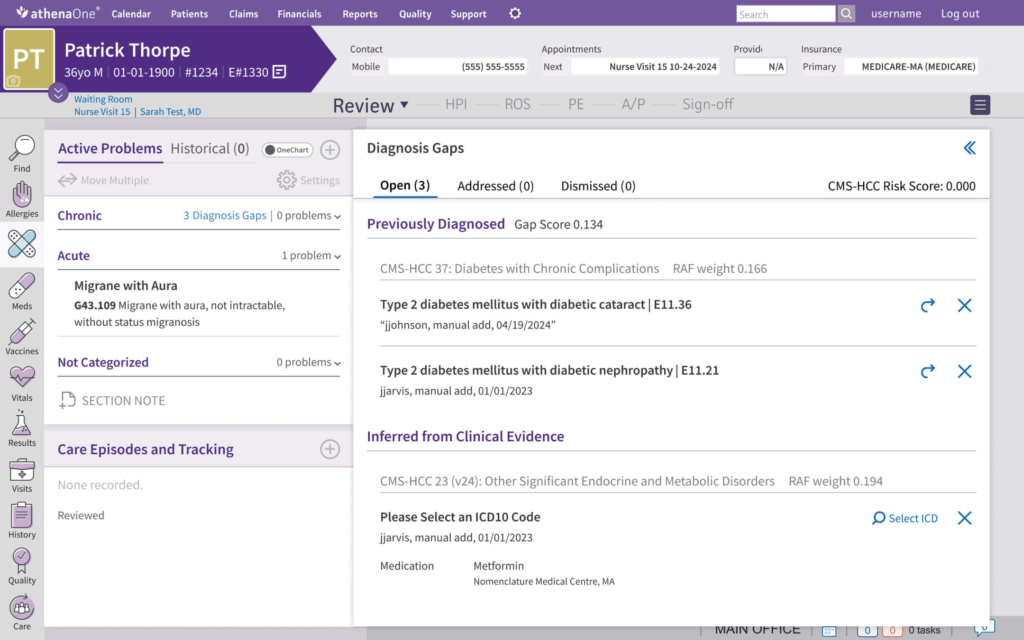
You can pay an athenahealth medical bill online either with a QuickPay Code at payment.athenahealth.com or through your provider’s athenahealth patient portal/athenaPatient app.
Official Links :
https://payment.athenahealth.com/
Quick Pay :
https://payment.patient.athenahealth.com/statement/?src=quickpay
1. QuickPay Portal (No Login Required)
Use this if you have a paper or emailed statement with a code.
- Go to https://payment.athenahealth.com or the direct QuickPay link on your bill.
- Enter your QuickPay Code / Statement Code / Access Code from the statement (15‑character code; dashes are optional).
- Click Continue to load your statement.
- Review your balance and visit details, then pay by:
- Credit card or debit card
- Electronic check/ACH (if enabled by your provider)
You do not need a portal account for QuickPay; it’s a one‑time, statement‑based payment.
2. Patient Portal Login
If your practice uses the full athenahealth portal:
- Visit https://patient.athenahealth.com or your doctor’s specific portal URL.
- Log in or create an account.
- Go to Billing or Payments, choose the account or visit, and pay online by card or bank account.
This lets you see all past statements, receipts, and messages, not just a single bill.
3. athenaPatient Mobile App
The athenaPatient (or practice‑branded) app lets you handle many portal features on your phone.
- Install the app listed by your provider (often “athenaPatient”).
- Sign in with the same credentials as the patient portal.
- Tap Billing and select the account or visit to be taken to the secure billing screen, then finish payment in your mobile browser.
Some practices also support Apple Pay or Google Pay through the mobile‑responsive payment page.
4. If You Don’t Have Your Statement Code
- Check your paper bill or emailed statement—the code is printed near “Pay online at payment.athenahealth.com.”
- If you cannot find it, contact your provider’s billing office; they can:
- Confirm your balance and
- Resend a statement or help you access the correct portal.
Some practices may also verify you using a phone or text verification code instead of a paper code.
Quick FAQs
1. What URL is correct for paying my bill?
Use payment.athenahealth.com or the exact link on your printed statement; avoid unofficial look‑alike sites.
2. Do I need to create an account?
No for QuickPay (just the statement code). Yes if you want full access to records and ongoing billing via the patient portal or athenaPatient app.
3. What payment methods can I use?
Most practices accept credit/debit cards and often ACH/e‑check. Some also support Apple Pay/Google Pay via mobile.
4. What if my code doesn’t work or the amount seems wrong?
Call your provider’s billing phone number (on the statement or their website) and ask them to verify the code, balance, and correct payment method.