MAWD online payments allow participants in Pennsylvania’s Medical Assistance for Workers with Disabilities (MAWD) program to conveniently pay their monthly premium using a computer or mobile device. Paying online eliminates lost checks in the mail, reduces posting delays, and lets you review your total amount due before submitting.
Quick Pay Links:
How to Make MAWD Online Payments
Step-by-Step Payment Instructions
- Visit the official MAWD online payments portal: https://www.humanservices.dhs.pa.gov/mawdonlinepayments/
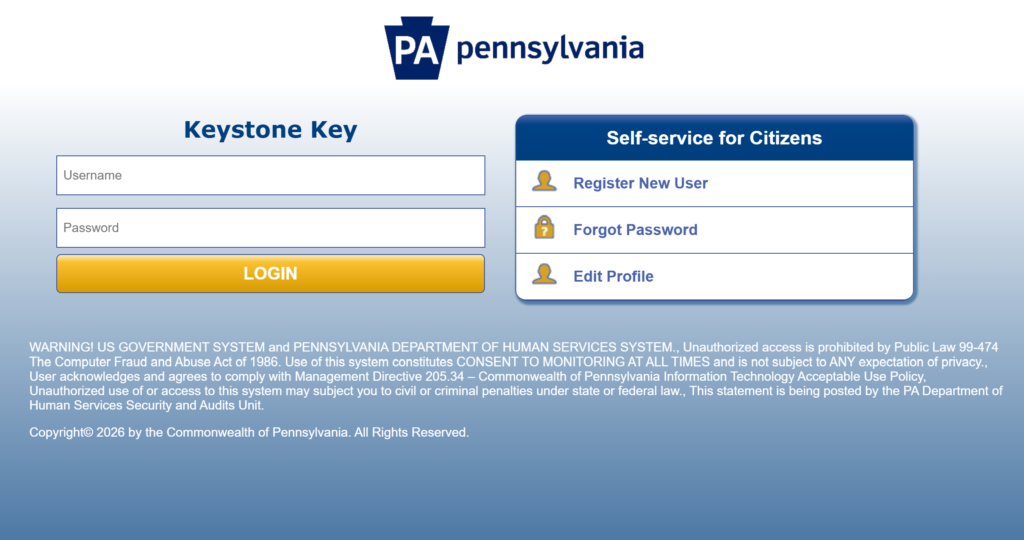
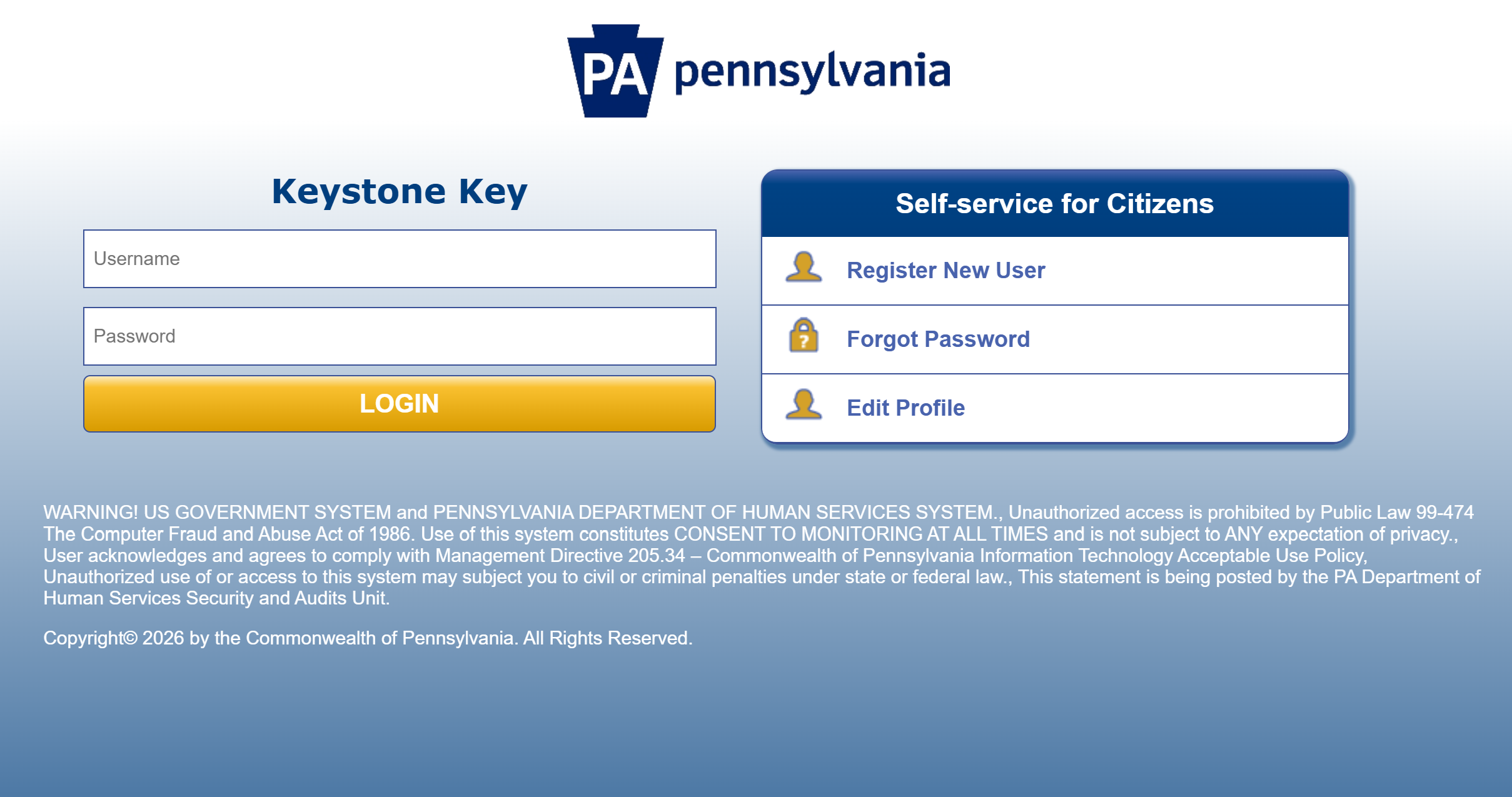
- Register if you are a new user or enable MAWD access if you already have a Keystone ID (My COMPASS account).
- On the Welcome screen, enter your RID (Recipient Identification Number) and date of birth, then click Submit.
- Review your name, monthly premium amount, and total payment due.
- Choose your payment amount:
- Total Amount Due, or
- Pay Other Amount (enter a custom amount).
- Select a payment method:
- ACH (electronic check) from your bank account, or
- Credit Card.
- Click Make Payment. You will be directed to the secure payment screen.
- Enter your address, email, and payment information.
- Verify all details, complete the captcha, and click Submit.
- Your payment will be processed, and a receipt will be emailed to you.
- Log out when finished.
Registration for New Users
- Click Register New User to create a Keystone ID and password.
- Provide your name, date of birth, email, and security questions.
- You will receive two emails: one with your Keystone ID and one with a temporary password.
- Log in, change your password, and proceed to the MAWD payments site.
Registration for Returning Users (with Existing Keystone ID)
- Click Register New User, then select the link for “Requesting MAWD access with your existing Keystone ID.”
- Log in with your Keystone ID and password.
- Enable MAWD access and submit. Then log back into the MAWD payments portal.
Payment Methods
- ACH / Electronic Check (bank account)
- Credit Card (Visa, MasterCard, etc.)
Note: Payments can be made even if your MAWD case has been closed due to non-payment of premiums. Premiums must be paid in full each month and cannot be paid in advance for future months.
Benefits of MAWD Online Payments
- Pay anytime from a computer or mobile device.
- No risk of lost checks in the mail.
- Faster posting to your account.
- Easily review your total amount due before paying.
Contact Information
- For questions about your MAWD premium or account, contact your local County Assistance Office (CAO) or the Pennsylvania Department of Human Services.
- Visit the official MAWD page on the DHS website for additional resources.
FAQs
How do I make MAWD online payments?
Visit www.humanservices.dhs.pa.gov/mawdonlinepayments/, register or log in with your Keystone ID, enter your RID and date of birth, review your premium, and pay with ACH or credit card.
Do I need to register for MAWD online payments?
Yes. New users must create a Keystone ID. Returning users with a My COMPASS Keystone ID can enable MAWD access.
What payment methods are accepted for MAWD online payments?
You can pay using ACH (electronic check from your bank account) or a credit card.
Can I pay my MAWD premium even if my case is closed?
Yes. Online payments are accepted even if your case was closed due to non-payment.
Is there a fee for MAWD online payments?
The portal does not mention additional service fees for ACH or credit card payments. Always confirm details on the payment screen.
Tip: Pay your MAWD premium on time each month to maintain continuous Medical Assistance coverage. Use MAWD online payments for the fastest and most convenient way to submit your payment. Keep your receipt emailed after each transaction for your records. For questions about eligibility, premiums, or your account status, contact your local County Assistance Office or visit the official Pennsylvania Department of Human Services MAWD page.